
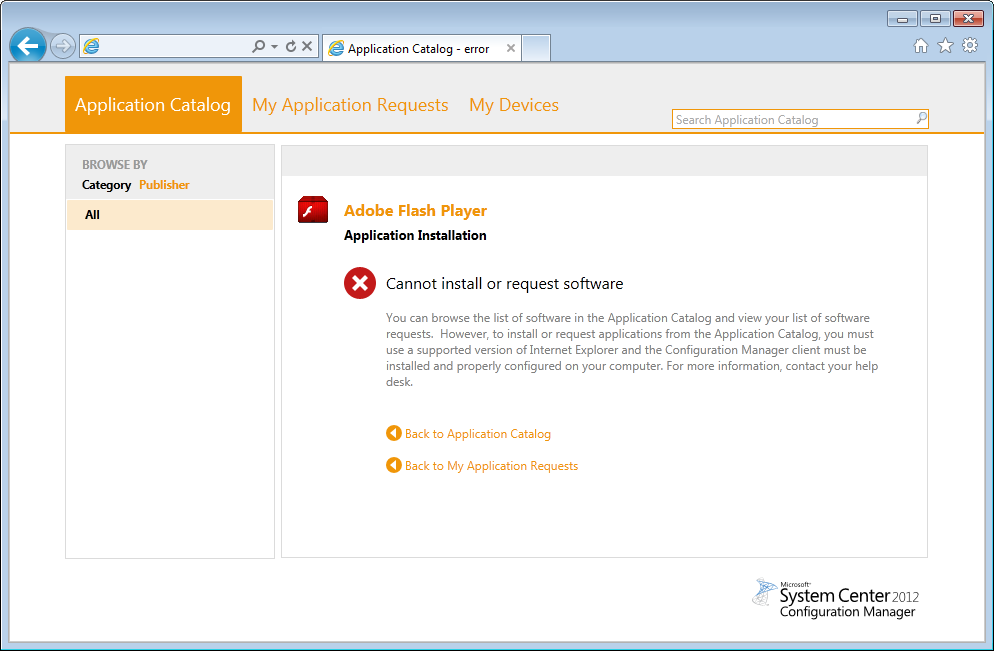
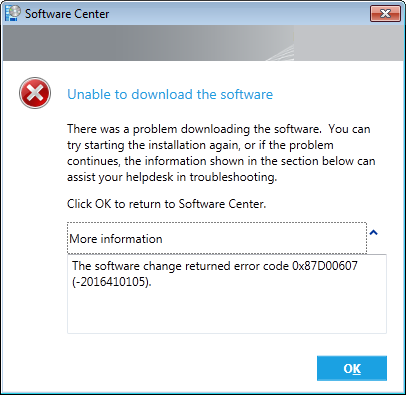
If you’re receiving the 0x87D00607 error you are most likely connected to a network/site which does not have a Configuration Manager Boundary or Boundary Group.
This is what you will see from the Software Center:
I ran into this issue when switching between our production and test environment.
So simply assign your boundary group to a DP and the problem should go away.
Hope this helped you, if you run into this error message but solved it another way please let me know.

Buenos días, como puedo aplicar la solución que indicas?